Your first match in four steps
Open the game
Choose Play now on the home screen, or open the game in a separate window for more space.
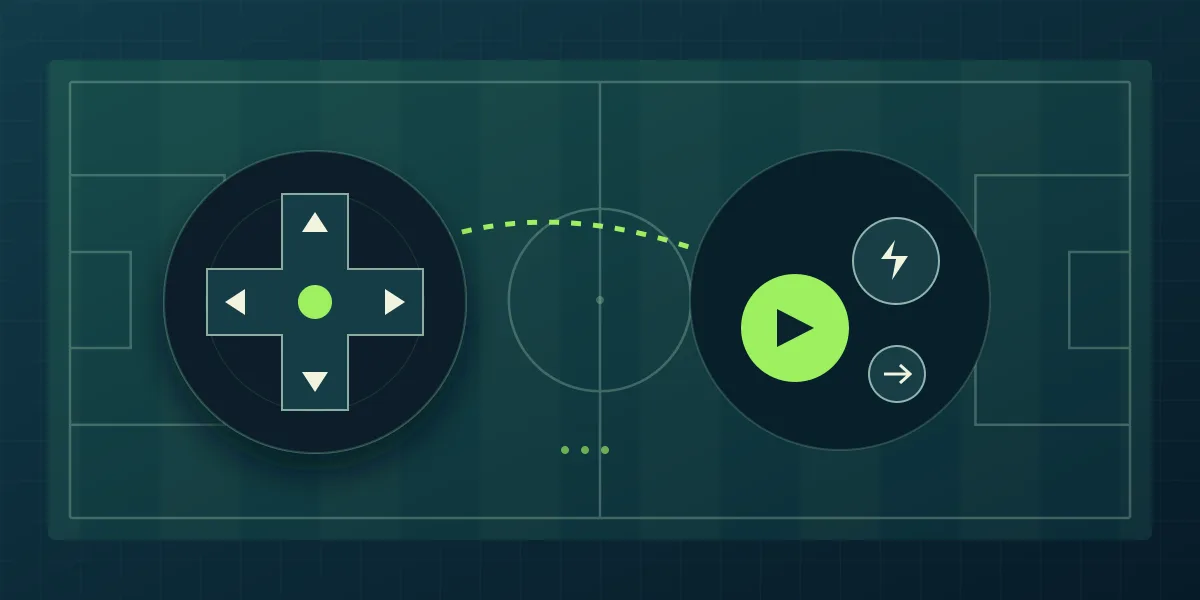
Check the controls
Read the instructions displayed inside the game. Identify movement and match actions before committing to an attack.
Review your squad
Look at the players available to you. Give your team a clear defensive plan and a dependable attacking option.
Play and adjust
Complete an opening match, notice what caused trouble, and make one focused change before your next attempt.
Follow the controls inside the game
Use the current in-game instructions as your reference. Avoid assuming that a keyboard shortcut from another football game works here. On a smaller screen, give yourself enough room to see the pitch and the available controls together.
Give your next attempt a purpose
Choose a player role or technique to investigate after the match. Comparing one decision at a time makes it easier to understand why your team performs differently.
Frequently asked questions
Do I need to download Inazuma Rogue?
No. The fan game runs in a browser. Open the game, follow its instructions, and start playing without installing a separate game package.